
Download Locowin App in the UK
Locowin offers a variety of over 3,000 favorite games, including online slots, table games, live casino games and a sportsbook to mobile browsers with a progressive web app that behaves like a dedicated one. Our PWA doesn’t require a long install, updates automatically and saves space on your device.
New Locowin players will enjoy a welcome bonus after registration. Register now, download Locowin PWA on your phone and get 1850 GBP + 500 Free Spins.

Interface of Locowin Casino App
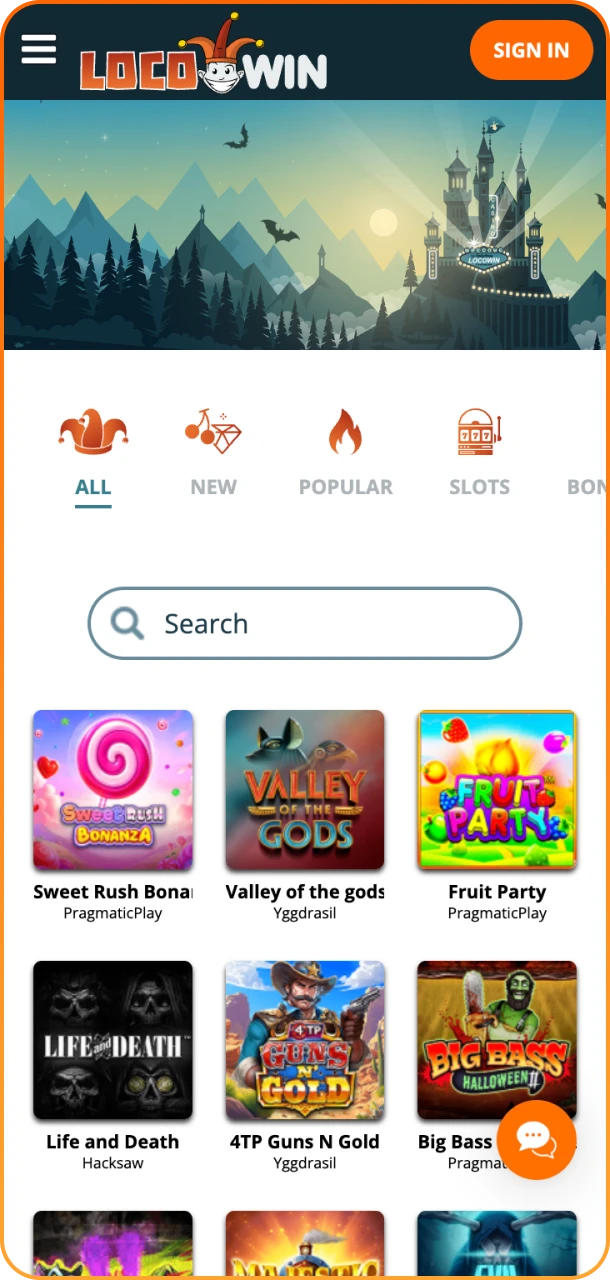


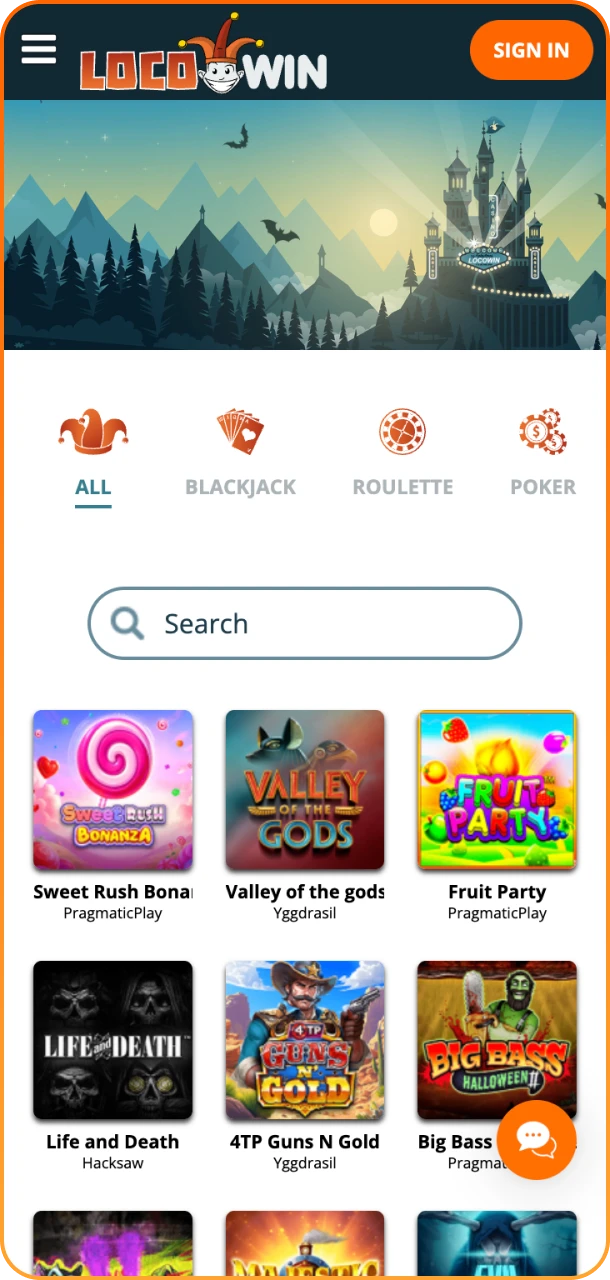

Locowin App Review
Below is a table of some technical characteristics of the Locowin progressive web app so you can compare it quickly with other mobile apps:
| Developer Name | Locowin |
| File Size | 0 Mb |
| App Category | Casino and Sportsbook |
| OS Compatibility | Most modern Android and iOS devices |
| Minimum Android Version: | Android 6.0+ |
| Minimum iOS Version: | iOS 14+ |
How to Install PWA on Your Home Screen
We made the process of PWA installation similar and easy for both Android and iOS devices. It’s done in your web browser and takes less than a minute. Below you can see the instructions on how to do that for any phone or tablet:
How to Download Locowin on Android?
To add the Locowin shortcut to an Android home screen and avoids app-store downloads, follow this process that takes only a few taps:
Step 1
Open Locowin Site
Open your browser and go to Locowin.

Step 2
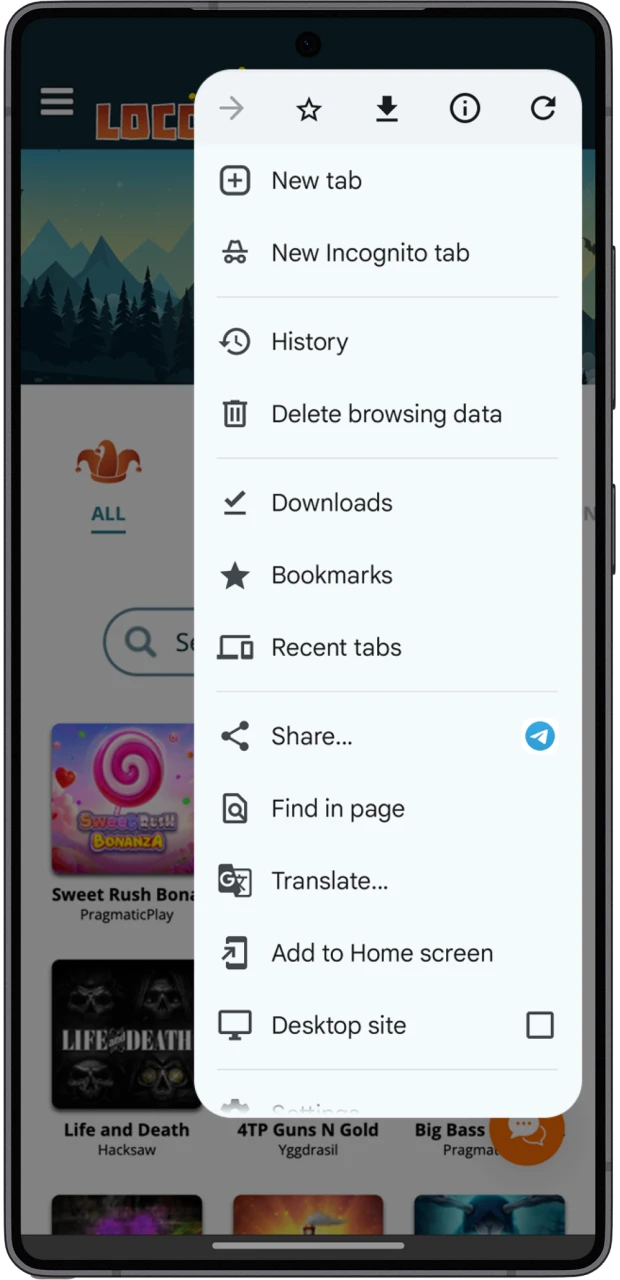
Open Browser Menu
Tap the browser menu (three dots) in the top-right corner.
Step 3
Add to Home Screen
Select “Add to Home screen” and name the app.

Step 4
Launch Locowin App
Find the new Locowin icon on your home screen and tap it to launch the PWA.

How to Download Locowin on iOS?
iOS users can create a home-screen shortcut in Safari. Use the steps below to pin Locowin casino app icon:
Step 1
Open Safari
Open Safari and go to the Locowin website.

Step 2
Tap Share Icon
Tap “Share” in the form of the box and arrow at the bottom of the screen.

Step 3
Add to Home Screen
Choose “Add to Home Screen”, edit the name and tap “Add”.

Step 4
Launch Locowin
Launch Locowin from the home screen icon to use the PWA full-screen.

System Requirements and Compatibility
Our PWA works on a broad range of modern devices. Note that if your phone or tablet is not significantly worse in hardware, or better than the requirements listed, the Locowin app will most likely work well on it:
| System Requirements | Android | iOS |
| Device version | Android 6.0+ | iOS 14+ |
| Processor | Quad-core 1.4 GHz or better | A9 chip or newer |
| RAM | 2GB or more | 2GB or more |
| Free Space | Not required | Not required |
Register from the App
To start your play on Locowin, you need to register. This feature is fully functional in the app. Full withdrawal features will require verification. Keep your documents ready to pass it and to access promotions without delay.
To register in the app, the same steps have to be taken as on the website. Follow the list:
- Open the PWA from your home screen and tap “Create Account”.
- Enter your full name, date of birth, email, mobile number, and other necessary information.
- Choose a secure password, set account currency to pounds and accept terms.
- Confirm email or SMS code as prompted to verify contact details.
- Upload your documents and proof of address in the “Profile” section to complete the identity check.
After you register, the account will be ready for deposits, gambling, and sports betting. The welcome bonus is also available to claim after these actions.

Quick and Easy Access to Locowin
With our app, it’s effortless to get back into your account. Below is a short list of actions to do to access your account and place a bet, or open a slot game via the PWA:
- Tap the Locowin icon on your home screen.
- Tap “Sign in”.
- Enter your email or username and password.
After you log in, all Locowin features will be available. You can open the balance widget and choose “Deposit” to fund your account. After that, select a game or sportsbook event and place your bet.
Welcome Bonus
The Locowin app welcome package gives new UK players a boost on their first five deposits up to 1,600 GBP + 500 FS after registration. It multiplies your top-ups and gives free spins for casino games, and a single wagering requirement applies to the promotion. Read how the bonus is spread across the deposits:
-
- First deposit — 100% multiplier
- Second deposit — 85% multiplier;
- Third deposit — 75% multiplier;
- Fourth deposit — 50% multiplier;
- Fifth deposit — 100% multiplier.

Is the Locowin App Legal in UK?
Our app respects all international and UK regulations. It operates under the Curaçao license and follows all of the conditions. Locowin uses encrypted connections for payments and stores minimal local data. This means that the bookmaker is entirely safe to use and fully legal in Great Britain.
Responsible Gaming at Locowin
We offer players a number of account controls that will help to gamble responsibly. If you see signs of stress or compulsive play, use these tools immediately and contact support for assistance:
- Daily, weekly or monthly deposit limits;
- Session time reminders;
- Loss limits;
- Temporary cooling-off;
- Permanent self-exclusion.
FAQ
Can I Use the Same Account on Desktop and the PWA?
Yes, your credentials and account balance are shared across desktop and the PWA.
Will the PWA Keep Me Logged In?
Our PWA will keep your session data, and you will be logged in once you come back to the app.
Are Deposits and Withdrawals Available Inside the PWA?
Yes. It supports all the payment methods that are popular in the UK, such as Visa and Mastercard MiFinity, CASHlib and cryptocurrencies.
How Do I Get Support if I Have a Problem with the App?
Use the live chat shortcut inside the PWA or contact email support. Our team will assist you with any issue.
Updated:
Comments